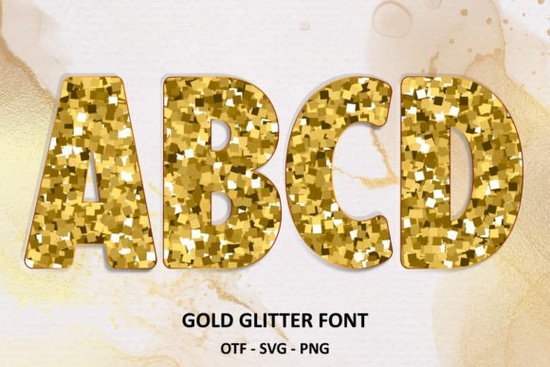
If you want a typeface that adds instant sparkle without the mess of actual glitter, the Gold Glitter Font delivers exactly that. It’s a layered display font that mimics the look of real metallic flakes, making it a practical choice for print-on-demand shirts, wedding invitations, small business branding, and everyday craft projects. Instead of spending hours adding texture effects in your design software, you can type your text and get a finished glitter look right out of the box.
How does the color version work with design software?
The color version relies on OpenType-SVG technology, meaning the glitter effect is baked directly into the character files. Not every program supports this format. You will get reliable results in applications like Inkscape, Adobe Illustrator, Photoshop, or Affinity Designer that recognize color font layers. If you install the standard OTF or TTF files and notice the sparkle missing, that is completely normal. Those base files only contain solid black outlines. To see the full metallic effect, activate the color font file inside a compatible program. When in doubt, test a single word in your workspace before starting a large batch of designs.
Can I cut this font with my Cricut or Silhouette?
Yes, but only if you use the correct file. The black outline version works smoothly with Cricut Design Space, Silhouette Studio, and most cutting software. You can weld the letters or prepare them for vinyl and heat transfer material without layer errors. The color SVG version will not work for cutting machines. Cutting software reads vector paths, not embedded color layers, so sending the glitter version to your mat will cause failed cuts. Stick to the solid black files when prepping vinyl or cardstock. If you want actual sparkle on a physical product, cut the solid letters and apply metallic heat transfer vinyl over them.
What projects work best with a glitter typeface?
Because the font carries heavy visual weight, it works best when used sparingly. Short headlines and one to three word phrases keep designs readable while letting the texture stand out. Reliable use cases include:
- Print-on-demand apparel: Pair the font with a clean sans-serif for the subtitle so the shirt layout stays balanced.
- Event stationery: Use it for names or dates on bridal shower invites, birthday banners, or holiday cards.
- Social media graphics: The high contrast works well on dark backgrounds, making quotes and sale announcements pop in feeds.
- Small business packaging: Add it to thank you cards, product labels, or sticker sheets to give your brand a polished feel.
If you are building a collection of playful typefaces for seasonal releases, you might also experiment with a festive holiday lettering style or a rounded multicolor display font to keep your shop listings fresh throughout the year.
How do I pair it with other playful fonts?
Glitter fonts already act as the focal point, so your supporting typeface should stay quiet and structured. A simple geometric sans-serif or clean monoline script usually works best. Avoid pairing it with another heavily textured font, since the competition for attention makes layouts feel cluttered. When you want to expand your toolkit, a soft handwritten style can add a friendly touch to children’s products, while a sketch-based color typeface brings a relaxed vibe to craft labels. Keep your hierarchy clear and leave plenty of white space around both elements.
You can preview the full character set, check licensing options, and download the files directly through Gold Glitter Font. Make sure you grab the correct license for commercial use if you plan to sell finished products.
Quick setup checklist before you design
- Install both the solid OTF/TTF and the color SVG files, but keep them organized in separate folders.
- Test the color version in your preferred software before starting a paid client project.
- Use the black outline files for all Cricut, Silhouette, or laser cutting workflows.
- Limit the glitter text to three words or fewer for maximum readability.
- Export print files at 300 DPI and check a physical proof before listing POD items.
Start with a simple mockup, verify your software compatibility, and let the metallic texture do the heavy lifting. Once you know which file goes where, this typeface becomes a reliable shortcut for eye-catching designs.
Learn More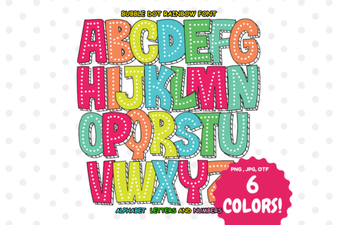 Creative Projects Using Bubble Dot Rainbow Font
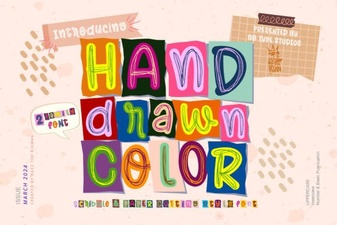 Unique Fonts for Creative Projects
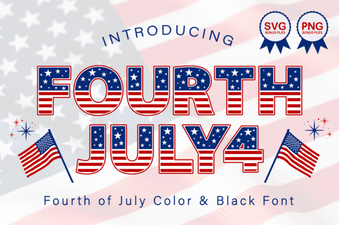 Classic Americana Fonts for Patriotic Designs
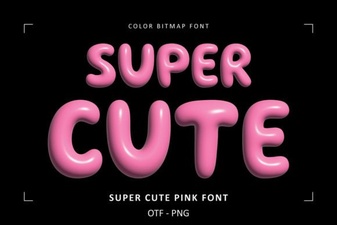 Super Cute Font Designs & Creative Project Ideas
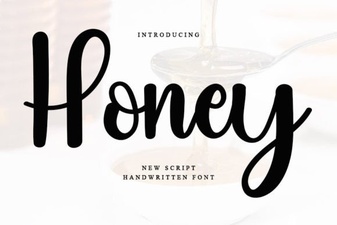 Honey Font: Creative Typography for Modern Projects
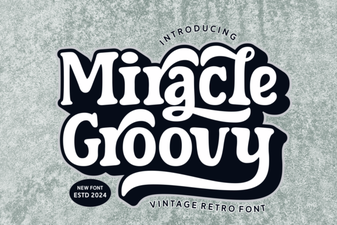 Groovy Font Guide: Creative Design Projects & Tips