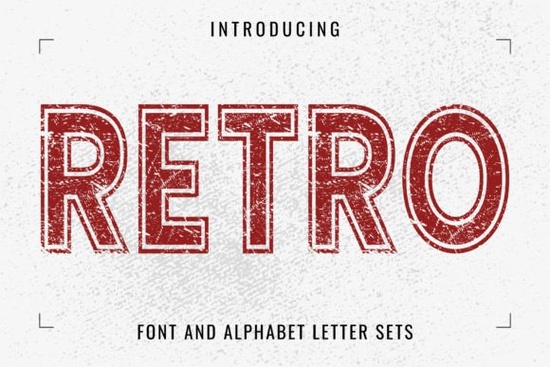
If you need a typeface that brings instant character to logos, posters, or print-on-demand apparel, Retro Font delivers that worn-in, vintage look without feeling dated. The grunge-distressed edges and bold display structure make it a reliable choice for designers, crafters, and small business owners who want their work to catch the eye quickly. Instead of building texture overlays from scratch, you get built-in distress that saves time and keeps your design files clean.
What makes a grunge-distressed typeface work for modern projects?
Vintage lettering works because it taps into familiarity. The slightly rough edges and uneven weight mimic old press prints, hand-stamped packaging, and classic signage. When you use a display style like this, you give your audience a visual shortcut to nostalgia, which often translates to better engagement on social media and higher click-through rates for product listings. The key is balance. Too much texture can muddy small text, but a well-crafted distressed font keeps readability intact while adding personality.
When planning a typography system, keep a few reliable display options ready. A celebratory style like birthday lettering suits event graphics, while a clean option such as youthful display type keeps branding fresh. If your layout needs fluid movement, a brush-inspired water effect adds energy to posters. For product launches, a strong announcement typeface gives headlines extra weight. You can also browse the full vintage display collection to compare weights and licensing before finalizing your layout.
Where does this style fit best in your workflow?
Print-on-demand sellers often use distressed display fonts for T-shirt graphics, tote bags, and sticker packs. The built-in texture means you skip halftone patterns or grunge overlays in your design software, which keeps file sizes smaller and printing more predictable. Crafters working with cutting machines will appreciate that the letterforms are bold enough to weed cleanly, especially when sized appropriately for vinyl or heat transfer material.
Small businesses can use this typeface for storefront signage, product labels, and packaging inserts. Because the style reads well at larger sizes, it works nicely on hang tags, coffee bags, or candle labels where you want a handmade feel. Web designers can apply it to hero sections or promotional banners, but it is best to limit usage to headlines and keep body copy in a highly readable companion font.
How to pair vintage lettering with other design elements
Pairing is straightforward. Let the display font carry the personality, and choose a neutral companion for supporting text. A light geometric sans-serif or classic serif usually works well. Keep color palettes muted or earthy to emphasize the retro vibe, or use cream backgrounds with deep charcoal text for a modern twist. Skip heavy paper backgrounds or noise filters since the font already includes grunge details. Let the letterforms breathe with generous padding.
Quick setup tips for smooth printing and screen use
Before sending files to print or uploading to a marketplace, run through a short quality check. Distressed fonts can sometimes trap tiny gaps that cause weeding issues or ink bleeding, so a quick test print saves time and material. Here is a simple workflow to keep your results consistent:
- Check spacing: Adjust tracking if grunge edges touch neighboring letters.
- Test size: Keep headlines above 24 pt for print and 32 px for web.
- Verify licensing: Confirm commercial rights before selling products or templates.
- Export correctly: Use vectors for cut files and transparent PNGs for mockups.
- Preview everywhere: Check mobile and desktop views to prevent blurring.
If you want to explore more vintage and grunge options directly from the marketplace, you can search for Retro Font to compare styles, read user reviews, and check updated licensing terms.
Start by testing a single headline on your next product mockup, adjust the spacing until the distressed edges sit cleanly, and save your preferred settings as a style preset. This small step keeps your branding consistent and speeds up future layouts.
Download Now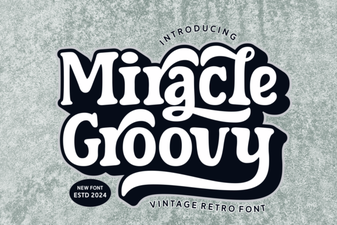 Groovy Font Guide: Creative Design Projects & Tips
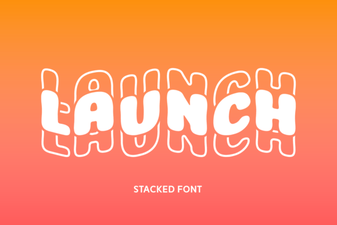 Introducing Launch Font: Design for Modern Websites
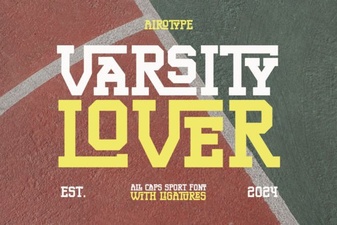 Varsity Lover Font for Sports & Creative Designs
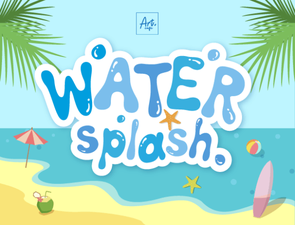 Water Splash Fonts: Inspire Your Creative Projects
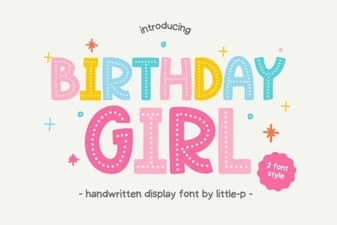 Best Birthday Girl Fonts for Creative Projects
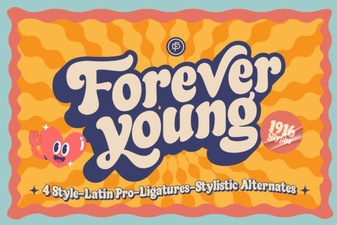 Forever Young Font: Vintage Typography for Modern Projects